Online Cricket ID Login – How to Access Your Account Safely
An Online Cricket ID login is simply the sign-in step that lets you open your existing cricket betting account and get back to live markets, your balance, and your bet history. If you already have an ID created through CricketOnlineID, logging in takes only your username and password on the correct platform link. This guide walks you through the exact login steps, the most common reasons a login fails and how to fix each one, how to sign in on a phone, and the safety habits that keep your account yours. It is written for adult users (18+) in India and focuses on doing this the safe way.
New here and don't have an ID yet? Login is only for existing accounts. If you still need to create one, message our team on WhatsApp and they will help you set up a fresh Online Cricket ID before you sign in.
How to log in to your Online Cricket ID
Once your ID has been created and your credentials shared with you, the sign-in flow is the same across most cricket exchanges:
- Open the correct platform link. Always use the exact login URL your account manager sent you. Type it in yourself or use a saved bookmark rather than clicking unknown search ads or forwarded messages.
- Tap the “Login” button. It is usually at the top-right of the site or app screen.
- Enter your username. This is the user ID you were given at registration — it is case-sensitive, so type it exactly.
- Enter your password. Type it carefully; avoid any extra spaces at the start or end.
- Complete any verification. Some platforms ask for a one-time password (OTP) or a simple captcha. Enter it and submit.
- Check your dashboard. After a successful login you should see your balance and the live markets. If anything looks off, log out and contact support before placing anything.
Logging in on a mobile phone
Most players sign in from a phone, and you do not need a special app to do it. A modern mobile browser such as Chrome or Safari works well:
- Open the official login link in your mobile browser and sign in exactly as you would on a desktop.
- You can add the page to your home screen (“Add to Home Screen”) so it opens like an app next time — this is just a shortcut, not a download.
- Be careful with APK files. Only install an app if your account manager confirms the source; unknown APKs are a common way clones spread malware.
- Avoid logging in over public Wi-Fi. Your own mobile data is safer for anything involving money.
Common Online Cricket ID login problems (and how to fix them)
Most login failures come down to a handful of causes. Here is how to sort each one quickly:
“Invalid username or password”
This is almost always a typing issue. Re-enter both fields slowly, watch for capital letters, and make sure autofill hasn't filled an old value. If it still fails, use the platform's password reset option or ask support to reset it for you.
Why Choose Online Cricket ID Login
A few honest reasons players choose us, — here is what sets us apart

📊 Major Cricket Markets
Exchange odds across major cricket events including the IPL, World Cup, T20 leagues and international matches.

🏏 Live In-Play Betting
Bet on matches as they happen with real-time odds updates across all major cricket events and tournaments.

📱 Mobile Optimized
Access the full platform from any device with our mobile-optimized interface for desktop, tablet, or smartphone.

⭐ Honest & Browser-First
No app to install and no invented promises. Your ID works in a normal browser, with a real person on WhatsApp when you need help.
Forgot your username or password
Don't keep guessing — repeated wrong attempts can lock the account. Use the “forgot password” link if the platform has one, or message our WhatsApp support with the phone number you registered with so the team can verify you and help you recover access.
The login page won't load
Check your internet connection first, then clear your browser cache or try a different browser. If the page still fails, the link may be outdated — confirm the current official URL with support rather than searching for a new one, because fake look-alike pages target exactly this moment.
OTP not arriving
Wait a minute and request it once more. Confirm your registered mobile number is correct and has network. If OTPs never arrive, contact support to check the number on file.
Account appears locked
Accounts can lock after several failed attempts as a safety measure. This is usually reversible — contact support, verify your identity, and they will unlock it. Never share your password with anyone during this process, including people claiming to be staff.
Keeping your login secure
The login screen is where account safety is won or lost. A few habits protect you completely:
- Never share your password or OTP with anyone — genuine support will never ask for your password.
- Use a strong, unique password that you don't reuse on other sites, and change it if you ever suspect it leaked.
- Bookmark the official login link and only sign in there. Clones often use near-identical names (extra letters, different endings) to steal credentials.
- Log out on shared devices and avoid saving your password in a browser you don't control.
- Watch the address bar for the correct domain before you type anything.
Can't log in and nothing here worked? Our team can verify your account and restore access. Reach out on WhatsApp and keep your registered mobile number handy so verification is quick.

Online Cricket ID Login FAQs
Open your official platform link, tap Login, enter the username and password you received at registration, complete any OTP or captcha, and you'll reach your dashboard. If you don't have an ID yet, contact us on WhatsApp to create one first.
Use the platform's password reset option if available, or message our WhatsApp support with your registered mobile number. The team will verify you and help reset your password. Avoid repeated wrong attempts, which can temporarily lock the account.
Yes. A standard mobile browser like Chrome or Safari works for login. You can add the page to your home screen for quick access. Only install an APK if support confirms the source is genuine.
Usually a typing error — check capital letters and extra spaces, and confirm autofill didn't insert an old value. If it keeps failing, reset the password or ask support to reset it for you.
Share only what's needed to verify you, such as your registered mobile number. Genuine support will never ask for your password or OTP. If anyone asks for those, treat it as a scam.
Platform Experience
A closer look at how Online Cricket ID Login works day to day

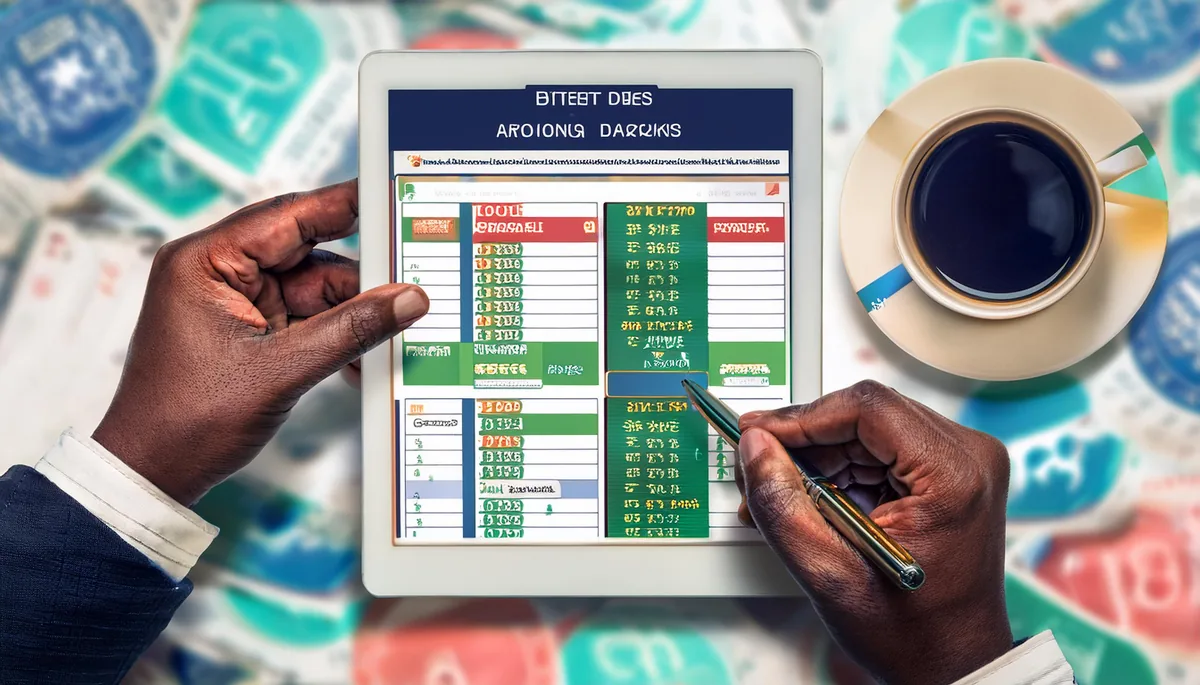


Bookmark the official link and use only that. Clones copy the brand with slightly different spellings or endings. Check the address bar before typing, and confirm the current URL with support if you're unsure.
18+ only. Please play responsibly and follow the laws that apply in your state or location. This page is informational and helps existing users access their accounts safely.